
How To Keep A Robot Mower From Being Stolen: Easy Tips
The best way to keep a robot mower from being stolen is to use several layers of protection: keep the mower out of sight when possible, lock its charging station to a solid surface, enable every theft feature in the app, add a hidden GPS tracker, and record the mower’s serial number. No single measure is perfect, but layered security makes the mower harder to take and easier to recover in the United States.
A robot mower may cost hundreds or several thousand dollars. It also spends much of its time outside, often in a side yard or near a driveway. That makes visibility, physical security, and recovery planning just as important as the mower’s built-in alarm.
This guide explains how to secure a robot lawn mower without damaging the mower, creating a trip hazard, or relying on features that your specific model may not support.
1. Start With the Mower’s Built-In Theft Protection
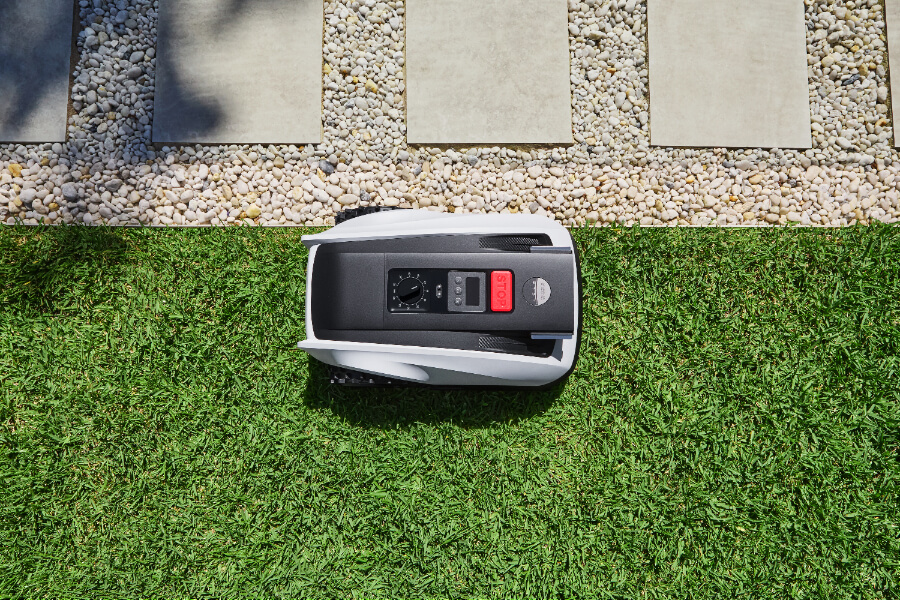
Enable the mower’s PIN, alarm, location, and app alerts before leaving it outside. These features can discourage casual theft, but they do not replace a physical lock or a recovery plan.
Check your owner’s manual or the manufacturer’s app for the following settings:
- Security PIN or passcode: Prevents unauthorized use or changes to key settings.
- Lift or tilt alarm: Sounds an alert when someone lifts or tips the mower.
- Geofence: Warns you when the mower leaves an approved area.
- GPS or cellular location: Shows the mower’s reported location, if supported.
- Account binding: Links the mower to your user account.
- App alerts: Sends notifications for theft, movement, charging errors, or boundary changes.
- Remote shutdown or lock: Some models let you disable operation from the app.
- Theft-recovery mode: Certain manufacturers offer a process for reporting a stolen mower.
Feature names differ by brand and model. A mower with a Bluetooth connection may only communicate when your phone is nearby. A cellular model may require a subscription and adequate mobile coverage. GPS also may not provide a live location in a garage, metal shed, basement, or enclosed trailer.
Set a strong security PIN
Do not use your street number, birth year, or a simple sequence such as 1234. Store the PIN in a password manager or another secure place. If the mower has separate codes for operation, app access, and installation settings, use different codes when possible.
Turn on every useful alert
Test each alert after setup. Lift the mower from a flat surface, move it outside the allowed area, and disconnect it from the charging station only when the manual permits this test.
Confirm that:
- The mower sends an alert to the correct phone.
- The alarm is loud enough to hear from inside your home.
- The app shows the correct location or last known position.
- The mower cannot be used normally without the PIN.
- You know how to contact the manufacturer if the mower is stolen.
Do not assume that an alarm means the mower is protected. An alarm may be silenced, ignored, or defeated. Its main value is early warning and deterrence.

2. Lock the Charging Station to a Solid surface
secure the charging station because it is the mower’s natural parking place. A thief who cannot quickly remove the mower may still take the dock, power supply, or boundary equipment.
Use the fasteners and mounting method listed in the owner’s manual. Depending on the installation, the station may be attached to:
- A concrete pad
- A treated wood platform
- A deck structure
- A heavy, fixed metal frame
- A manufacturer-approved mounting plate
Avoid relying on loose pavers, lightweight plastic storage boxes, or a small garden stake. These can often be lifted or moved with the mower.
Use a lockable mower shelter
A small mower garage can reduce visibility and give you a place to add a lock. Choose one with:
- A solid base
- A door or cover that allows safe mower access
- Adequate ventilation
- Drainage for rain and melted snow
- Space for the charging cable
- No sharp edges near the mower’s blades
- A lock point that cannot be removed with the door open
The shelter must not block the mower’s return path, boundary signal, GPS signal, or charging contacts. Follow the manufacturer’s clearance requirements. Do not cover ventilation openings or place flammable materials near the charger.
A locked shelter is most useful when combined with a fixed charging station. A thief should not be able to lift the entire shelter and carry it away.
Choose a lock that fits the risk
For a visible side yard, a hardened padlock and protected hasp may be suitable. For a high-risk location, use a shackle or security cable that cannot be reached easily with bolt cutters.
Keep the lock above standing water and away from the mower’s path. A loose cable can become a trip hazard or catch on moving equipment.
3. Add a Physical Cable or Anchor
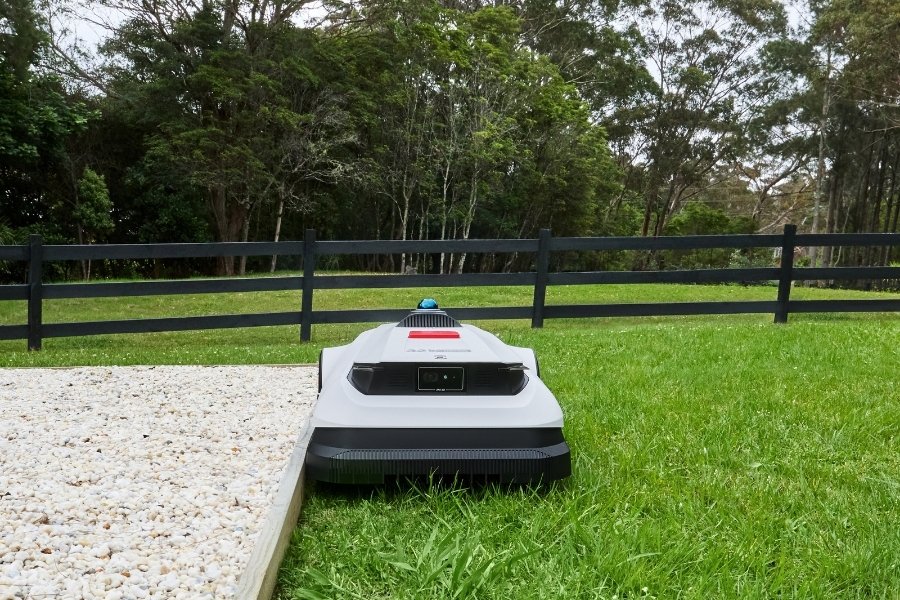
A security cable adds another barrier, especially when the mower is stored outdoors. It works best when connected to a permanent anchor and attached to a part of the mower approved by the manufacturer.
Before attaching a cable, check the manual or contact the manufacturer. Never wrap a cable around:
- A blade shaft
- A wheel that needs to move
- A charging contact
- A sensor
- A bumper that must move freely
- A plastic body panel that could crack
- A lifting handle not designed for security use
A thief may cut a thin cable quickly. Select a cable with a diameter and construction suited to outdoor security, and inspect it for rust, fraying, or crushed sections.
Anchor the cable correctly
A cable is only as strong as its anchor. Good anchors include:
- A properly installed ground anchor
- A structural steel post
- A concrete foundation
- A heavy, fixed frame
- A building member approved for this use
Do not attach the cable to a removable fence panel, a thin decorative post, or a small tree. Do not drill into concrete, masonry, or a building structure unless you know the installation will not damage utilities or violate rental rules.
For rented homes, ask the landlord before drilling or installing a ground anchor. For homeowners’ associations, check rules about visible hardware and storage structures.
Use the cable during long absences
When you leave for a trip, store the mower inside a locked garage or shed if practical. If it must remain outside, use both the shelter lock and the mower cable. Security matters most when the property is quiet and no one is watching.

4. Hide the Mower and Reduce Theft Opportunities
A hidden mower is less likely to attract attention. Place the charging station where it cannot be seen easily from the street, sidewalk, or neighboring driveways.
Good locations often include:
- A fenced side yard
- A locked rear yard
- A covered area with clear airflow
- A spot behind a garage
- A garden area outside the main view of the road
Do not hide the mower by placing obstacles in its cutting area. It needs a clear route to the dock and enough room to turn safely.
Motion lights and cameras can improve deterrence. Aim cameras at the mower, charging station, gates, and likely approach routes. Use a camera with local storage or a reliable cloud plan if you need evidence during an internet outage.
A sign that says the area is monitored may discourage some theft, but it should not reveal sensitive information such as the mower’s model, purchase price, or security system details.
Improve gate security
Many robot mower thefts are easier when a thief can walk directly into the yard. Lock gates when the mower is operating or charging. Repair loose hinges and gaps under gates. Keep ladders, bins, and tools away from the fence if they could help someone reach over it.
Do not create a dangerous setup with wires, traps, spikes, or electrified barriers. These can injure people, pets, delivery workers, and emergency responders and may create serious legal problems.
5. Install a Separate GPS Tracker
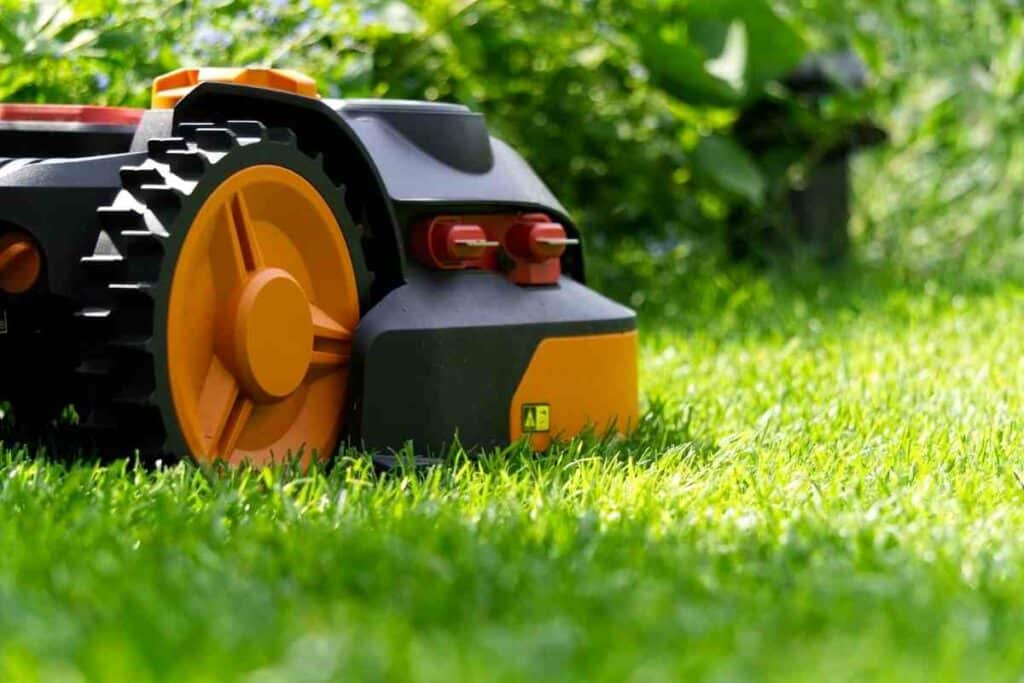
A separate GPS or cellular tracker can help locate a stolen mower if the built-in system is disabled or lacks recovery features. Hide the tracker in a protected space, but do not place it where it can overheat, interfere with the mower, or become exposed to water.
Before buying a tracker, check:
- Whether it uses GPS, cellular networks, Bluetooth, or a combination
- Cellular coverage at your property and in areas where the mower might travel
- Battery life and charging method
- Monthly or annual subscription fees
- Water and dust resistance
- Motion alerts
- Location update frequency
- Geofence functions
- Size and mounting options
- Privacy and account security controls
A Bluetooth tag is not the same as a dedicated cellular GPS tracker. Bluetooth tags may depend on nearby compatible phones and may not provide continuous location data. A cellular tracker may provide broader coverage but usually needs a charged battery, a network connection, and an active service plan.
Do not hide a tracker inside the battery compartment unless the manufacturer approves it. Do not modify the mower’s wiring or battery system. Unauthorized changes can create fire, electrical, warranty, or service risks.
If the mower is stolen, do not confront a suspected thief or enter private property to retrieve it. Give the location and identifying information to local law enforcement. In the United States, call 911 for an active emergency; use your local police department’s non-emergency number for a theft that has already occurred.

6. Record Proof of Ownership Before Theft Happens
Create a theft record while the mower is in your possession. This can speed an insurance claim and give police useful information.
Save:
- The brand and exact model
- The serial number
- The purchase receipt
- Photos of the mower from several angles
- Photos of unique marks or damage
- The charging station serial number, if listed
- The app account details
- The tracker identification number
- The installation address
- The date of purchase
- Warranty information
Store copies in a secure cloud account and offline location. Do not post the serial number publicly.
You can also mark the mower with a discreet owner identifier. Use a method that does not block vents, sensors, labels, charging contacts, or safety information. Avoid drilling into the body or changing the battery enclosure.
Ask your homeowners insurance or renters insurance provider how outdoor equipment is covered. Coverage, deductibles, limits, and theft conditions vary by policy. A security system may be relevant to a claim, but never assume that a tracker or locked shelter guarantees reimbursement.
7. Use a Layered Security Plan
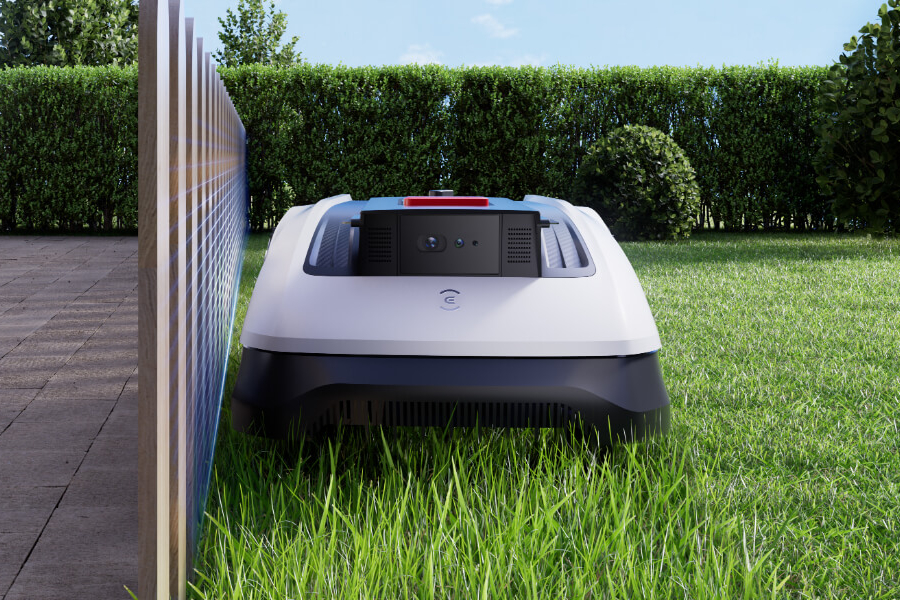
The right setup depends on your yard, neighborhood, mower value, and how often someone is home. Use this table as a starting point rather than a guarantee.
| Situation | Recommended protection |
|---|---|
| Mower operates in a fenced backyard | PIN, alerts, locked gate, secured charging station, ownership records |
| Mower is visible from the street | All of the above, plus a hidden shelter and camera |
| Mower stays outside overnight | Locked shelter, physical cable, motion lighting, and app alerts |
| High-value mower in a high-risk area | Indoor storage when possible, fixed anchor, cable, camera, GPS tracker, and insurance review |
| Rental property | Non-permanent security measures approved by the landlord |
| Long vacation | Store the mower indoors or use a locked shelter, cable, tracker, and trusted property check |
Layered security works because each measure addresses a different problem:
- Visibility control reduces opportunity.
- A PIN and alarm reduce unauthorized use.
- A lock and anchor slow physical removal.
- A tracker improves recovery chances.
- Photos and serial numbers prove ownership.
- Cameras and lighting may provide evidence and deterrence.
The goal is not to make theft impossible. The goal is to make the mower difficult to take quickly and useful to identify if it disappears.
Common Mistakes to Avoid
Avoid these errors when securing a robot mower:
Relying only on the app
An app cannot stop someone from carrying away the mower. Use physical security as well.
Leaving the default PIN
A default code may be listed in the manual or known to a service technician. Change it before installation is complete.
Using a weak anchor
A strong cable attached to a weak fence or loose paver offers little protection.
Blocking the mower’s sensors
Covers, straps, and shelters must not interfere with collision sensors, GPS reception, charging, ventilation, or the mower’s return path.
Forgetting the charger and power supply
A thief may take the mower’s dock or power adapter separately. Secure the station and record its identifying details.
Ignoring battery safety
Do not alter wiring, add an unapproved battery, or place a tracker against a hot battery pack. Stop using damaged equipment and contact the manufacturer or a qualified service professional.
Failing to test alerts
An alert that was never tested may be disabled, delayed, or sent to an old phone number.
Trying to recover the mower yourself
A location alert is evidence, not permission to enter someone else’s property. Report the theft and provide the information to law enforcement.
What to Do If Your Robot Mower Is Stolen
Act in this order:
- Confirm that it was not moved for maintenance or service.
- Check the app for the last known location and time.
- Take screenshots of the location, device ID, and alerts.
- Contact local law enforcement.
- Provide the serial number, receipt, photographs, and tracker data.
- Contact the manufacturer and ask whether the mower can be disabled or marked as stolen.
- Notify your insurer if the loss may be covered.
- Do not confront anyone or trespass to recover it.
Move quickly, but keep the information accurate. GPS locations can be delayed or wrong, especially indoors or where cellular coverage is weak.
Frequently Asked Questions
Can a robot mower be tracked if it is stolen?
Sometimes. A mower with built-in GPS or cellular tracking may report its last known location. A separate tracker may continue to report location if it has power, network coverage, and an active service plan. Neither system is guaranteed to work inside buildings, metal containers, or areas with poor coverage.
Does a robot mower alarm prevent theft?
No. An alarm can deter a casual thief and notify you that the mower was lifted or moved. It cannot replace a locked shelter, fixed anchor, or recovery plan.
Should I keep my robot mower inside at night?
Indoor storage is usually the strongest physical protection when it is practical. Store the mower in a dry, ventilated place and follow the manufacturer’s charging and battery instructions. The charging station may remain outdoors only if the installation is designed for that use.
Can I attach a bicycle lock to a robot mower?
Only if the manufacturer provides a suitable attachment point or confirms that the method is safe. A lock must not restrict wheels, blades, sensors, bumpers, or charging contacts.
Will homeowners insurance cover a stolen robot mower?
It depends on the policy, location, deductible, and coverage limits. Ask your insurer how outdoor equipment and theft claims are handled. Keep the receipt, serial number, photographs, and police report.
Are GPS trackers legal to use on a mower in the United States?
Using a tracker on property you own is generally different from secretly tracking another person or vehicle. Follow the tracker provider’s terms, protect account access, and do not use the device to monitor people. For a specific legal question, consult a licensed attorney in your state.
Final Recommendation
Start with the basics: change the PIN, enable all alerts, secure the charging station, and record the serial number. Then add a lockable shelter or fixed security cable if the mower stays outside. For a high-value mower or an exposed yard, add a separate GPS or cellular tracker and a camera.
The strongest practical setup is hidden placement plus physical anchoring, electronic alerts, ownership records, and a clear police-report plan. Review the system twice a year and after every mower, app, phone, or subscription change.


