
How Long Do Robotic Lawn Mowers Last: Lifespan Guide
A robotic lawn mower usually lasts about 5 to 10 years with proper care. The mower itself may last longer, but its battery often needs replacement after 2 to 5 years. Blades, wheels, charging parts, and boundary wires may need service sooner.
The real life span depends on the mower’s build, mowing hours, weather, lawn size, slope, storage, and maintenance. A mower that works on a small, flat lawn and stays indoors during winter may last much longer than one that runs every day on rough ground in extreme heat.
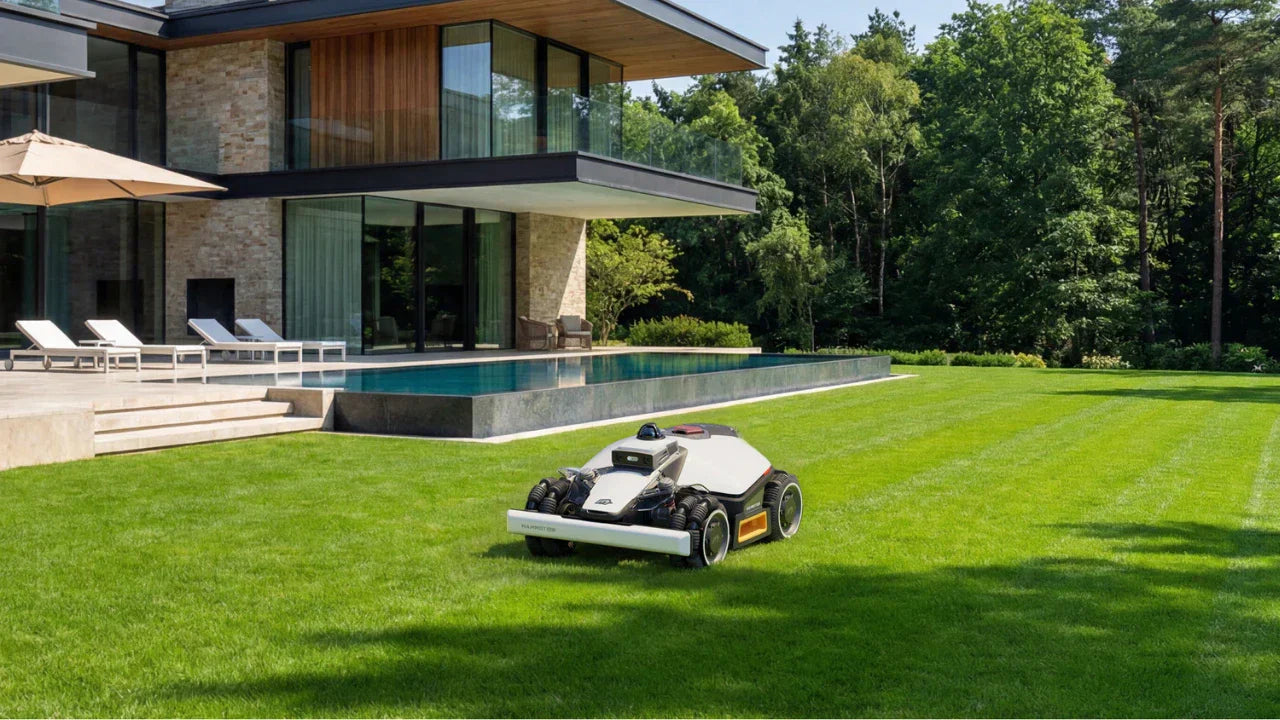
What Determines a Robotic Lawn Mower’s Life Span?
The mower’s life span depends on both use and care. A robotic mower has several parts that age at different rates.
| Part | Common service life | What affects it |
|---|---|---|
| Main mower body and electronics | 5–10 years | Water, heat, impact, dust, and repair quality |
| Lithium-ion battery | 2–5 years | Charge cycles, heat, storage, and use |
| Blades | 1–3 months per set | Grass type, sand, sticks, and mowing time |
| Wheel motors | 3–8 years | Slopes, wet ground, debris, and daily use |
| Charging contacts | 3–7 years | Corrosion, dirt, and outdoor exposure |
| Boundary wire | 5–10+ years | Digging, animals, landscaping, and weather |
| Lift, tilt, and collision sensors | 5–10 years | Impact, dirt, moisture, and general wear |
These are practical ranges, not guarantees. Manufacturers use different parts, batteries, software, and water-resistance designs. Some parts may be easy to replace. Others may require an authorized service center.
The battery is often the first major replacement
Most modern robotic lawn mowers use rechargeable lithium-ion batteries. Each mowing session uses part of the battery’s capacity. Over time, the battery stores less energy and the mower must charge more often.
A battery can still work after several years, but its run time may drop. That does not always mean the mower needs replacing. If replacement batteries are available and reasonably priced, a new battery may extend the mower’s useful life.
Heat is hard on lithium-ion batteries. A mower stored in a hot shed or left in strong summer sun may lose battery capacity faster than one kept in a cool, dry place. Follow the storage instructions for the exact model. Battery care rules differ by brand.
Weather and water exposure matter
Many robotic mowers are designed to work outdoors. That does not mean every part is protected from every condition.
Rain sensors may send the mower back to its dock. Some models can mow in light rain, while others should remain under cover. Wet grass can also stick to the deck and wheels. Mud may enter moving parts and increase wear.
Snow, ice, standing water, and freezing temperatures create greater risks. For most U.S. homes, the safest plan is to clean the mower, remove or manage the battery as the manual directs, and store the mower indoors before winter weather begins.
Lawn conditions can shorten service life
A smooth lawn is easier on a robotic mower than a rough lawn. Common sources of extra wear include:
- Steep slopes
- Deep holes and exposed roots
- Loose gravel
- Sand
- Pine cones and small sticks
- Toys and garden tools
- Thick, wet grass
- frequent bumps against edging or walls
- Long daily mowing schedules
A mower that runs on a difficult lawn may still last many years. It simply needs more cleaning, blade changes, and inspection.
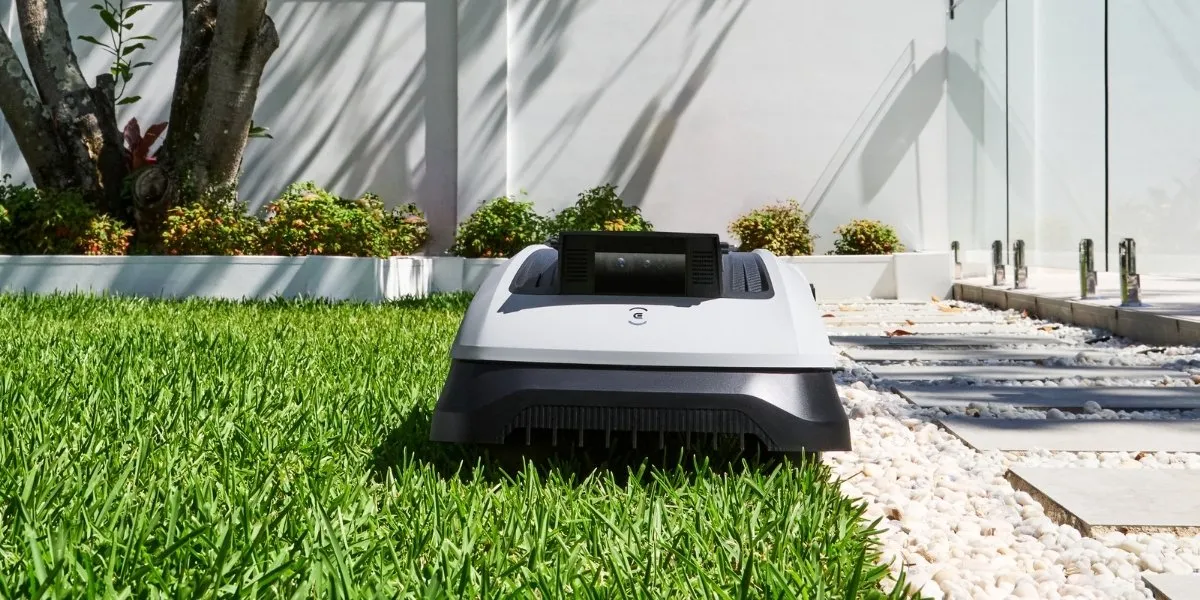
How Many Years Should You Expect From a Robotic Mower?
For most U.S. homeowners, seven years is a reasonable planning estimate for a well-maintained robotic mower. Some units fail sooner. Others remain useful for 10 years or more when replacement parts and software support remain available.
A simple way to think about life span is:
- Budget model: about 3–6 years
- Mid-range model: about 5–8 years
- Premium model: about 7–10 years or more
These categories describe planning ranges, not independent test results. A high purchase price does not guarantee a longer life. A less expensive mower may last well if it has a simple design and receives good care.
Warranty length is not the same as service life
A warranty covers certain defects for a stated period. It does not promise that the product will work for that entire period without maintenance.
Check the warranty for:
- The mower
- The battery
- The charging station
- The power supply
- Boundary wire and connectors
- Commercial or heavy-use exclusions
- Water or weather exclusions
- Proof-of-purchase rules
- Authorized repair requirements
Warranty terms vary by manufacturer and U.S. model. Read the manual and warranty document for the exact mower before buying.
Software support can affect useful life
A mower may still run while its app, maps, or smart features become outdated. This is especially relevant for models that depend on cloud services, cellular connections, or a phone app.
Before purchase, check whether the mower can perform basic mowing without an internet connection. Also check the company’s policy for app support, replacement parts, and discontinued models. A mower that depends on a service that later ends may have a shorter practical life than its motors and body suggest.
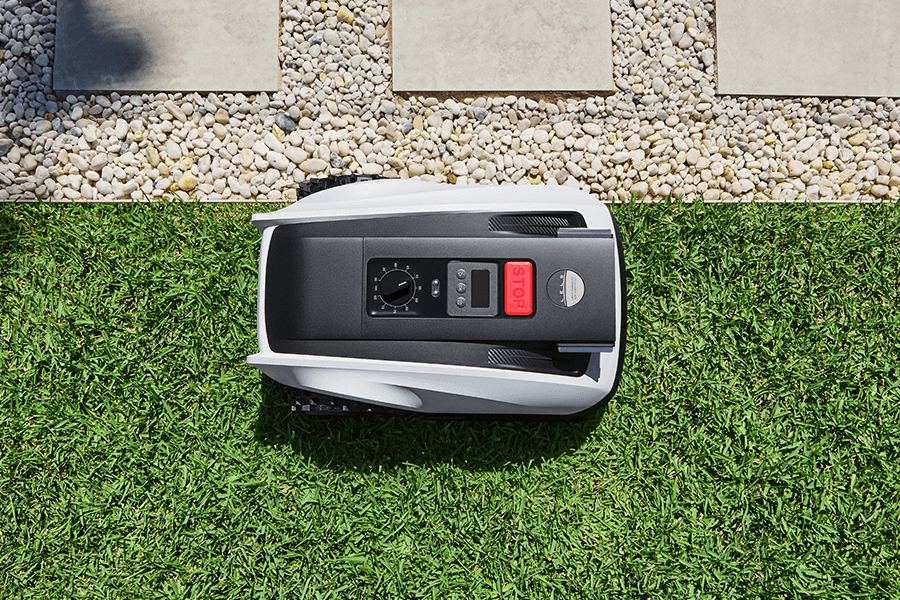
Signs That a Robotic Lawn Mower Is Near the End
A single problem does not prove that the mower needs replacement. Start with simple maintenance. Then check the manual and service options.
Common warning signs include:
The mower runs for much less time
A weaker battery is the most likely cause when the mower returns to the dock sooner than usual. Dirty charging contacts, a failing charger, thick grass, or a blocked blade can cause similar symptoms.
Clean the contacts, inspect the blade area with the mower powered off, and review the battery status in the app if available. Replace the battery only when the manual or service diagnosis supports it.
It stops often or loses its route
Frequent stops may come from:
- A damaged boundary wire
- Poor charging contact
- A blocked wheel
- A dirty sensor
- A weak battery
- A software fault
- A slope or obstacle outside the mower’s limits
Check the simplest and safest causes first. Do not open the mower unless the manufacturer allows user service. Opening a sealed unit may create a water-safety problem or void the warranty.
The mower makes new sounds
Grinding, clicking, or loud wheel noise can indicate debris, a worn motor, or a damaged gear. Stop the mower before inspecting it. Remove the key or battery when the manual requires it.
Do not keep running a mower that has a burning smell, exposed wires, a swollen battery, or signs of overheating. Contact the manufacturer or a qualified repair provider.
Repairs cost more than the mower is worth
Replacement makes more sense when several major parts fail at once. Compare the full repair cost with the price of a suitable new mower.
Include:
- Parts
- Labor
- Shipping
- Battery replacement
- New boundary wire
- Setup time
- Lost app or map support
A battery replacement alone is often more sensible than replacing the entire mower. A failed main control board plus a weak battery may change that decision.
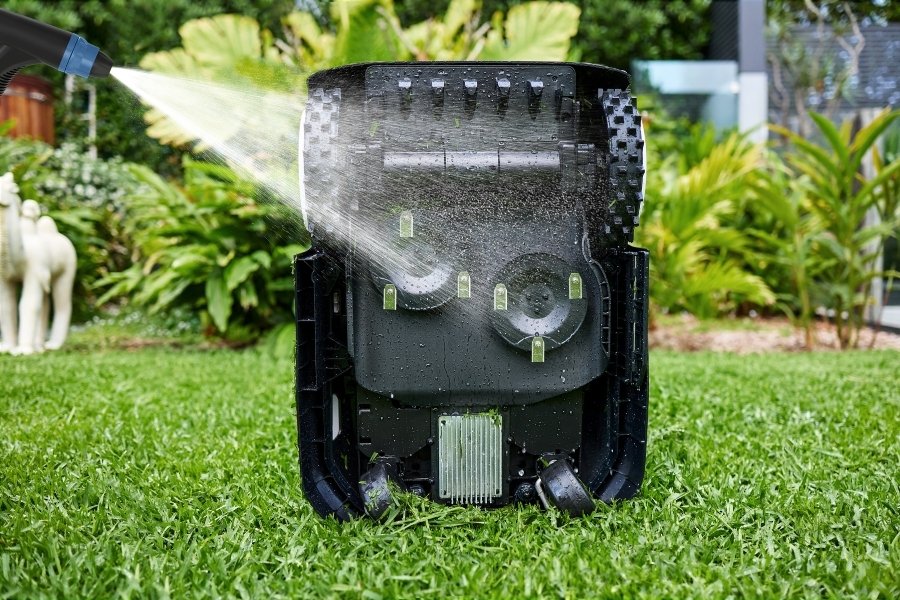
How to Make a Robotic Lawn Mower Last Longer
Routine care can reduce wear and help reveal problems early. Always follow the instructions for the exact model.
1. Clean the mower on a regular schedule
Turn the mower off before cleaning. Remove the mower from the charging station when the manual says to do so.
Brush away grass and dirt from the wheels, sensors, housing, and blade deck. Do not spray water into openings unless the manufacturer specifically permits it. A garden hose can force water into electronics, seals, or bearings.
Clean the charging contacts on both the mower and dock. Poor contact can cause failed charging and repeated docking attempts.
2. Replace blades when they become dull
Sharp blades help the mower cut grass instead of tearing it. Dull blades can increase power use and make the lawn look ragged.
Inspect the blades often during the growing season. Replace them when they are dull, bent, cracked, or damaged. Wear gloves and follow the blade replacement steps in the manual.
Never use damaged blades. They can break loose and create a serious injury risk.
3. Keep the lawn free of objects
Remove toys, hoses, tools, branches, and sports equipment before the mower runs. Small objects can damage the blade disk or become projectiles.
Mark or protect areas that the mower cannot safely reach. These may include ponds, steep drop-offs, garden beds, trampolines, and loose gravel.
4. Protect the charging station
Place the dock on stable, level ground where the mower can approach it without obstruction. Keep grass from covering the charging contacts.
A shelter may protect the dock from sun and heavy rain, but it must not block the mower’s signal or route. Follow the manufacturer’s spacing instructions.
5. Store the mower for winter
Winter storage is one of the best ways to extend service life in much of the United States.
Before storage:
- Clean and dry the mower.
- Inspect the wheels, blades, sensors, and contacts.
- Charge or store the battery as the manual directs.
- Store the mower in a dry, temperature-controlled area when possible.
- Protect the charger and power supply from moisture.
- Check the boundary wire before spring use.
Do not guess how to store the battery. Some models require the battery to remain installed. Others may allow or require removal. The product manual controls.
6. Keep firmware current when practical
Software updates may fix faults or improve navigation. They may also change app functions or system requirements.
Update only through the manufacturer’s approved process. If the mower works without an internet connection, save the manual and important setup details before an update.
Robotic Mower Life Span by Use Case
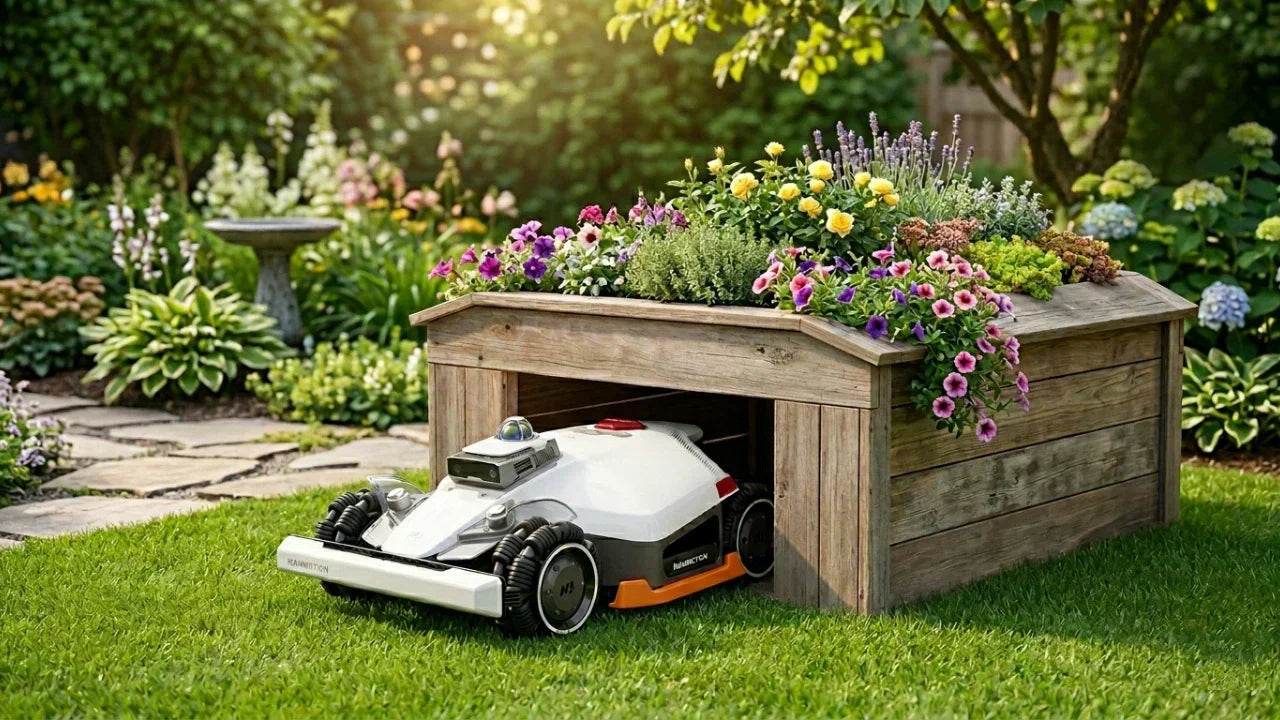
The same mower can have a very different life span in different yards.
| Use case | Likely effect on life |
|---|---|
| Small, flat lawn with few obstacles | Lower wear |
| Large lawn near the mower’s maximum capacity | More charge cycles and motor hours |
| Steep lawn | Higher wheel and motor wear |
| Sandy or dusty lawn | More cleaning and possible sensor wear |
| Wet or muddy lawn | Greater risk of buildup and corrosion |
| Hot outdoor storage | Faster battery aging |
| Winter indoor storage | Better protection from cold and moisture |
| Daily commercial use | Much higher wear than residential use |
A mower rated for a certain lawn area may need many hours to cover that area. Running near its maximum capacity can increase charge cycles and operating time. If long service life matters, choose a model with enough capacity for the yard rather than one that barely meets the area rating.
A simple battery-use example
This is a hypothetical calculation.
Assume a mower uses one full battery cycle every two days during a 180-day growing season:
180 days ÷ 2 = 90 charge cycles per year
Over five mowing seasons:
90 cycles × 5 years = 450 cycles
Actual battery life depends on the battery design, temperature, depth of discharge, charging system, and storage. This example does not predict a specific model’s life. It shows why a large lawn and long mowing season can age a battery faster.
Is It Worth Replacing the Battery?
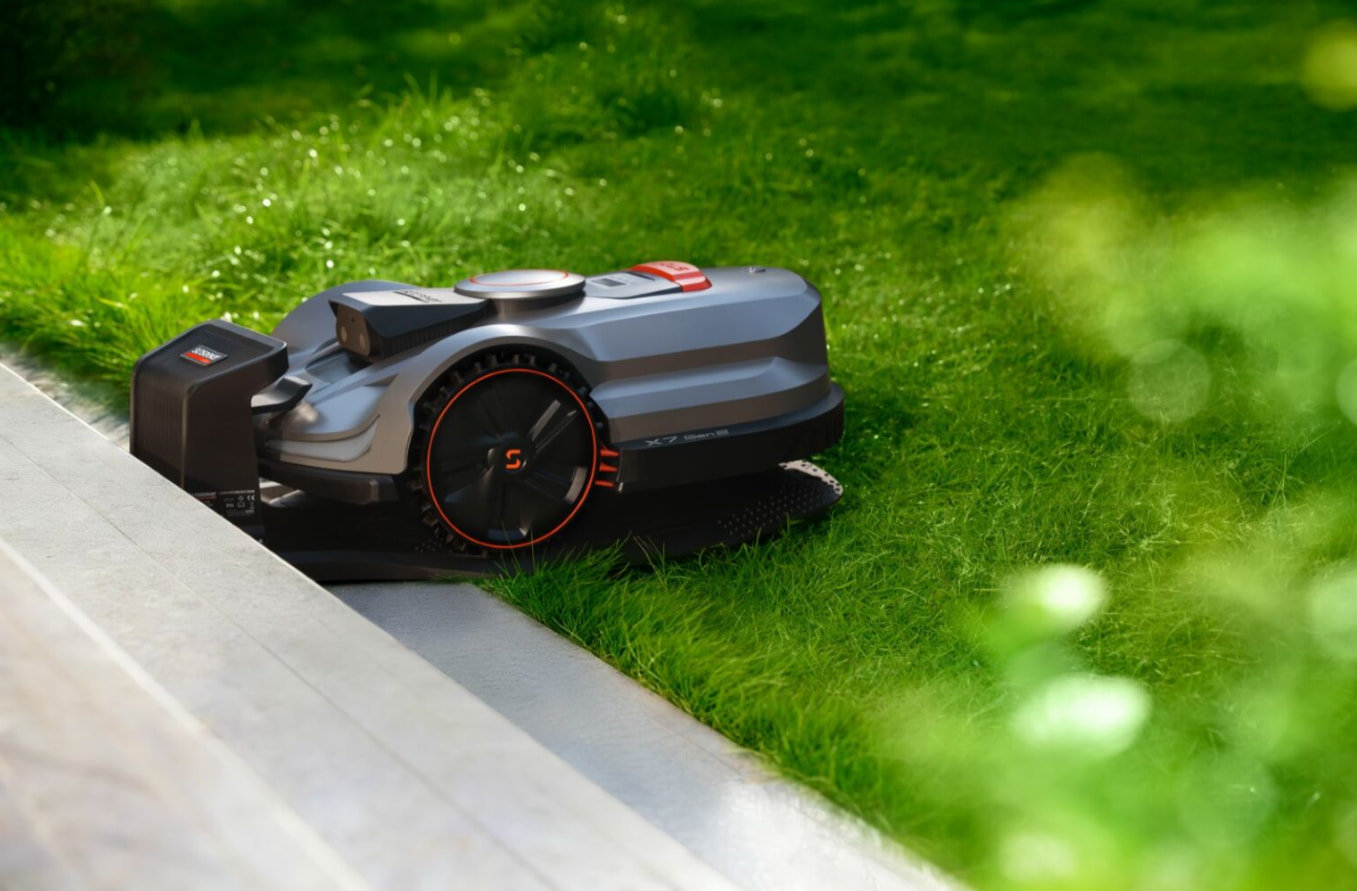
Replacing the battery is often worthwhile when the mower’s body, motors, sensors, charger, and software still work well.
A battery replacement is more attractive when:
- The mower has no major cracks or water damage.
- The charging station works normally.
- Replacement batteries are sold by the manufacturer.
- The battery cost is much lower than a new mower.
- The mower still receives needed software support.
- The mower fits the current lawn.
Replacement may not make sense when:
- The battery is unavailable.
- The control board also fails.
- The mower has repeated water damage.
- The company no longer supports the model.
- Repair costs approach the price of a new unit.
- The mower cannot handle changes to the lawn.
Use only the battery approved for the exact model. Do not modify battery packs or use an unapproved charger. Lithium-ion battery damage can create fire and injury risks. If a battery is swollen, hot, leaking, or damaged, stop using it and follow local hazardous-waste guidance.
Robotic Lawn Mower Maintenance Schedule
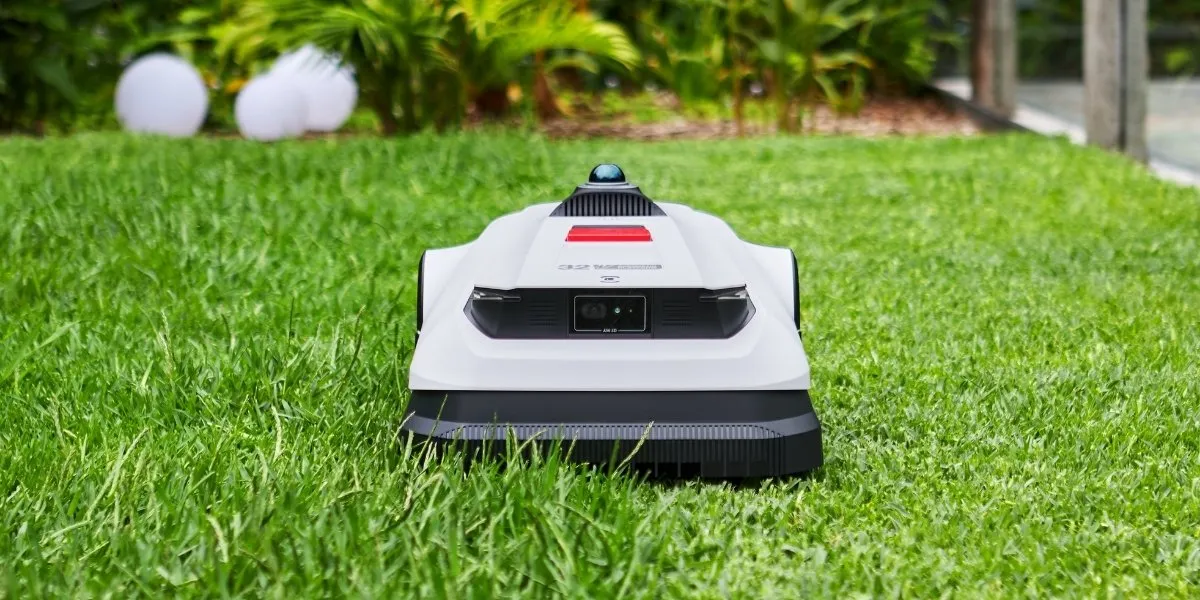
A simple schedule helps prevent small problems from becoming expensive repairs.
| Task | Suggested timing |
|---|---|
| Remove toys and debris | Before every mowing period |
| Check for stuck wheels or objects | Weekly during active use |
| Clean sensors and charging contacts | Weekly or as needed |
| Inspect blades | Every few weeks |
| Replace damaged or dull blades | As needed |
| Check boundary wire and connectors | At the start of the season and after landscaping |
| Inspect the dock and power cable | Monthly |
| Clean and store for winter | Before freezing weather |
| Check battery performance | At the start of each season |
These intervals are general guidance. The product manual may call for different tasks or times.
Common Mistakes That Shorten Mower Life
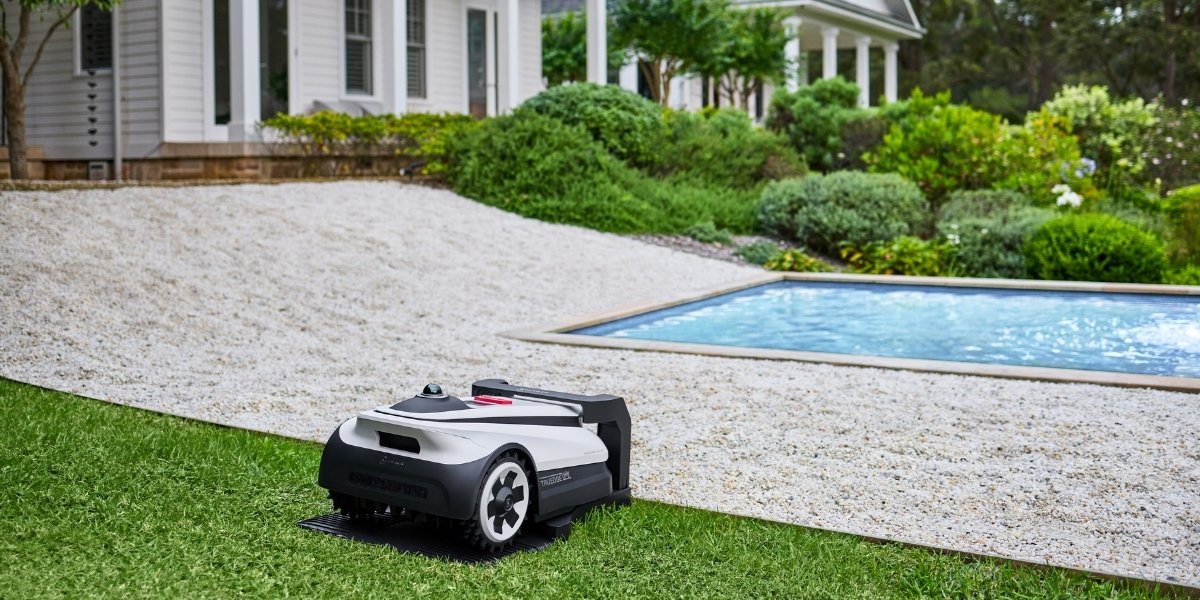
The most common mistakes are simple. They also tend to repeat each season.
Leaving objects on the lawn
A robotic mower cannot know that a child’s toy or garden hose is valuable. It may hit the object, damage the blade, or become trapped.
Using the wrong cleaning method
Pressure washers and large amounts of water can damage seals and electronics. Use the cleaning method stated by the manufacturer.
Ignoring the first signs of a fault
A small wheel noise may become a motor failure. A loose boundary connector may cause repeated stops. Early checks often cost less than delayed repairs.
Storing the mower in extreme temperatures
A detached garage, attic, or outdoor shed may become very hot or cold. A dry indoor location is usually better, subject to the battery instructions.
Buying a mower that barely fits the lawn
A mower that runs near its maximum area rating may need more hours and more charge cycles. Extra capacity can reduce daily strain.
Treating all water resistance as waterproofing
Water protection has limits. Rain, puddles, pressure washing, and submersion are not the same condition. Use the exact limits in the manual.
When Should You Repair or Replace a Robotic Lawn Mower?
Repair the mower when the fault is clear, the part is available, and the repair cost is reasonable. Replace it when several expensive systems are failing or support for the model has ended.
Use this quick decision guide:
| Situation | Practical choice |
|---|---|
| Shorter run time only | Test or replace the battery |
| Dull or damaged blades | Replace the blades |
| Dirty charging contacts | Clean and retest |
| Broken boundary wire | Repair the wire |
| One failed wheel motor | Get a repair estimate |
| Failed control board and weak battery | Compare repair with replacement |
| Water damage and repeated faults | Replacement may be safer |
| No parts or software support | Consider replacement |
Ask the service provider for a written estimate. Confirm whether the repair includes testing, a warranty, and compatible parts.

Frequently Asked Questions
Do robotic lawn mowers last longer than gas lawn mowers?
Not in every case. Robotic mowers have fewer engine parts and no oil changes, but they contain electronics, sensors, motors, and a battery. A gas mower may last many years with engine service, while a robotic mower may need battery and electronic repairs. The better choice depends on maintenance, use, and repair access.
How often must a robotic mower battery be replaced?
Many owners should plan for a battery replacement after about 2 to 5 years, but use and storage can change that range. A mower used daily on a large lawn may age its battery faster than one used lightly on a small lawn.
Can a robotic mower stay outside all year?
Some models can remain outdoors in certain weather. Winter snow, ice, freezing temperatures, and standing water create extra risk. Follow the model’s storage instructions. In much of the United States, indoor winter storage is the safer plan.
Are robotic lawn mowers expensive to maintain?
Routine maintenance can be modest. Blades, cleaning, boundary-wire repairs, and eventual battery replacement are the main costs. Repairs become more expensive when the mower has water damage, failed electronics, or unavailable parts.
What is the most important part to replace?
The battery is often the most important major replacement. Blades are routine wear parts and should be changed more often. Replace the battery only after checking charging contacts, the charger, the blade area, and the mower’s fault messages.
Bottom Line: How Long Do Robotic Lawn Mowers Last?
A robotic lawn mower can last 5 to 10 years, while its battery commonly lasts 2 to 5 years. The strongest factors are heat, moisture, mowing hours, lawn conditions, winter storage, and access to replacement parts.
To extend the life of a robotic mower, keep the lawn clear, clean the mower safely, replace blades when needed, protect the charging dock, and store the unit correctly during severe U.S. winter weather. Before buying, check the battery price, warranty terms, repair network, parts supply, and software support.
The next practical step is to find the exact model’s manual and make a short maintenance plan based on your lawn size, local weather, and mowing season.


