
How To Use A Robot Lawn Mower: Easy Setup Guide
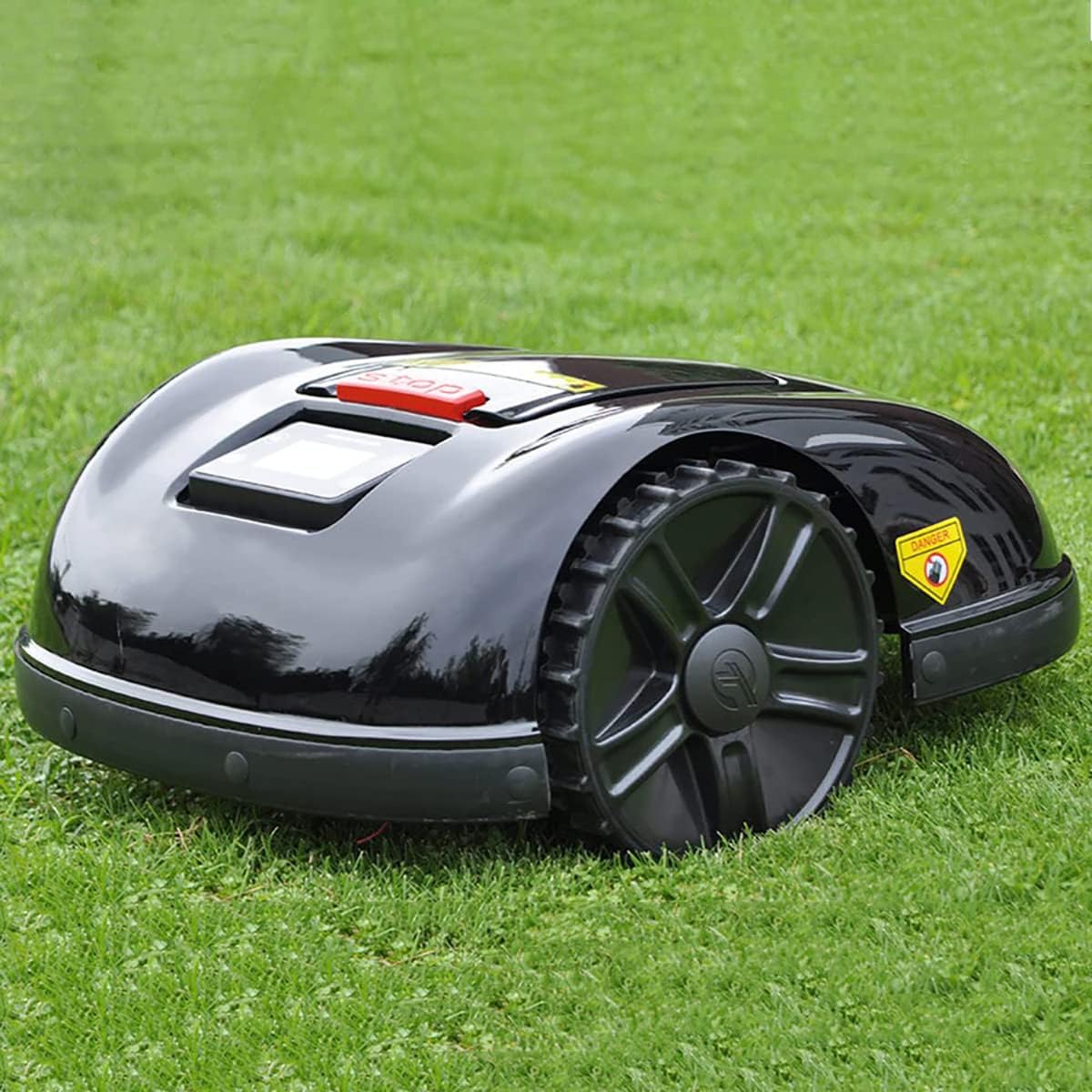
A robot lawn mower cuts grass on its own after you set up its charging station, mowing area, schedule, and safety limits. In the United States, the correct setup depends on your yard shape, grass type, slope, fences, pets, and the instructions for your exact mower. Most models either use a boundary wire or satellite, GPS, camera, or other sensors to stay within the lawn.
This guide explains how to install, program, operate, clean, and store a robot lawn mower safely. Always treat the owner’s manual as the final source for limits, blade changes, weather use, and app features.
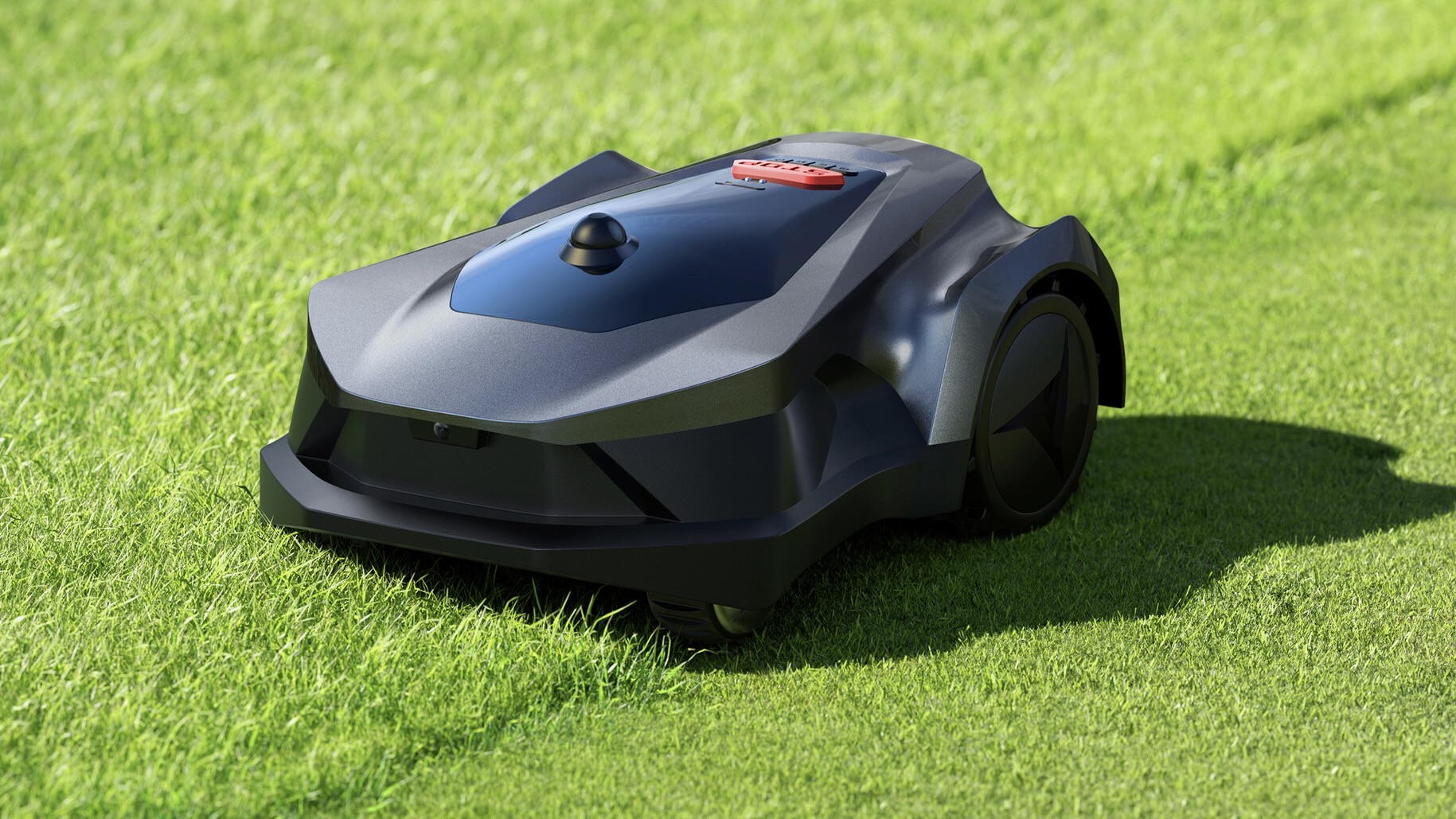
What You Need Before Using a Robot Lawn Mower
Before installation, confirm that your yard and mower are a suitable match. A robot mower needs a defined cutting area, a place to charge, and enough access to move without repeated blockage.
Prepare these items:
- The robot mower and charging station
- The power supply and low-voltage cable
- Boundary wire, stakes, and connectors, if your model uses them
- A smartphone and the mower’s app, if required
- A tape measure
- A mallet or similar tool for wire stakes
- A clean cloth and soft brush
- The mower’s PIN, security code, or account details
- A copy of the owner’s manual
Walk through the lawn before setup. Remove toys, hoses, tools, branches, loose stones, and other objects. Mark hazards such as drainage ditches, ponds, steep drop-offs, tree roots, exposed cables, and areas where the mower could become trapped.
Check the mower’s limits
Read the specifications for:
- Maximum lawn area
- Maximum slope
- Minimum passage width
- Required clearance around the charging station
- Weather and rain limits
- Permitted grass height
- Battery charging temperature
- Boundary wire layout
- Blades and replacement parts
- App, Wi-Fi, cellular, GPS, or subscription needs
A mower rated for a certain slope may still lose traction on wet grass. A narrow passage may also be too tight if the mower must turn around inside it. Use the maker’s limits, not a general rule from another model.
Decide which areas to exclude
Most lawns have places that should not be mowed. Exclude:
- Vegetable gardens and flower beds
- Pools, ponds, and streams
- Drop-offs and retaining-wall edges
- Children’s play areas
- Loose gravel or deep mulch
- Areas with exposed roots
- Temporary work zones
- Sections with very rough or soft ground
A robot mower may detect some objects, but object detection is not a replacement for a safe boundary or physical barrier.

How to Install the Charging Station
The charging station should sit on a flat, stable surface with a clear approach and reliable access to power. Poor station placement is one of the most common causes of failed setup.
Follow these steps:
-
Choose a level location.
Place the station on firm ground near the lawn. Avoid spots that collect water or sit at the bottom of a slope. -
Provide a clear approach.
The mower needs enough straight or guided space to enter the station. Follow the manual’s required distance in front of and beside the station. -
Keep the station away from interference.
Do not place a boundary-wire station beside large metal objects, underground utilities, or dense obstacles unless the manual allows it. -
Place the power supply in a protected location.
Keep the power adapter off wet ground and away from standing water. Use only the approved power equipment. -
Connect the cables correctly.
Attach the boundary or guide wire to the terminals shown in the manual. Incorrect connections can prevent the mower from detecting the lawn. -
Secure the station.
Fasten it with the included screws or stakes. The station must not shift when the mower docks. -
Check the charging contacts.
The mower and station contacts should meet cleanly. Dirt, grass, or poor alignment can stop charging.
Do not bury or splice a boundary cable until you confirm that the mower works. Test the complete layout first. It is much easier to correct a wire above ground than to dig it up later.

How to Install a Boundary Wire
A boundary wire creates an electronic fence around the mowing area. The mower detects the wire and turns away from it. Some newer models use GPS, cameras, radio signals, or other virtual mapping methods instead, so follow the setup method for your model.
Lay out the wire
Start at the charging station and follow the lawn’s outer edge. Keep the wire smooth and secure. Avoid sharp corners because they can cause the mower to cut across the corner or fail to follow the boundary.
Leave enough clearance from:
- Walls
- Fences
- Flower beds
- Paved surfaces
- Swimming pools
- Steep edges
- Tree trunks
- Fixed obstacles
The correct distance varies by mower. Some models allow the blade to cut close to a wall, while others need more space. Use the supplied distance gauge when one is provided.
Create islands around obstacles
Use a boundary-wire loop to exclude a permanent obstacle, such as a tree, pond, or garden bed. The outgoing and returning wires usually need to run close together so the mower treats that section as part of the main boundary.
Follow the manual’s instructions for joining wires. A poor connection can create an intermittent signal that is difficult to diagnose.
Make safe wire crossings and passages
When the lawn has separate sections, the mower may need a narrow corridor. Measure the required corridor width before fixing the wire. If the passage is too narrow, the mower may turn around or become stuck.
Do not create a route that forces the mower across:
- Public sidewalks
- Driveways used by vehicles
- Roads
- Areas with loose gravel
- Steps or steep drops
After laying the wire, secure it with stakes. The wire should lie flat and should not form loops that could catch a blade or wheel.
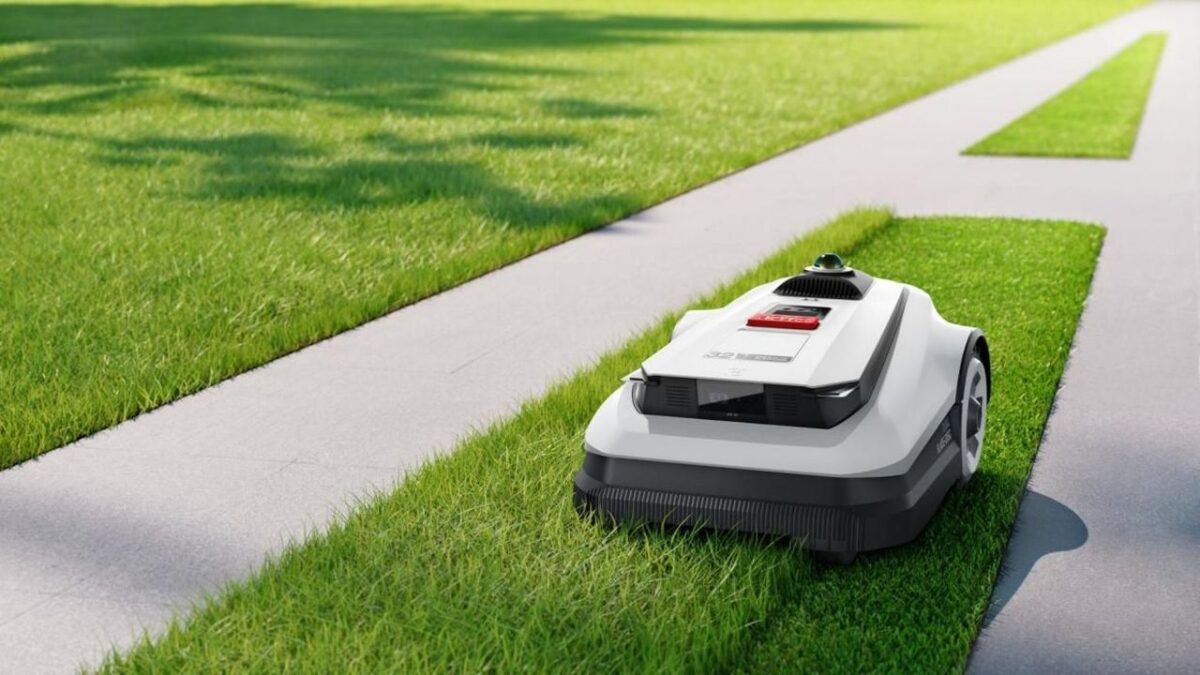
How to Map a Robot Lawn Mower Without Boundary Wire
Wire-free robot mowers usually map the yard through an app, satellite positioning, cameras, sensors, or a combination of systems. The setup is not automatically easier. The mower still needs a clear map and safe exclusion zones.
Use this process:
- Charge the mower fully or to the level required by the app.
- Update the mower and app if the manufacturer directs you to do so.
- Place the mower at the recommended starting point.
- Create the outer lawn boundary by driving the mower or using the mapping controls.
- Add no-go zones around beds, water, drop-offs, and other hazards.
- Map narrow passages only if the mower supports them.
- Save the map with a clear name.
- Run a supervised test along the outer edge.
- Correct areas where the mower crosses the boundary or misses grass.
Satellite-based systems may perform less reliably beneath dense trees, beside tall buildings, or near other signal obstructions. Camera-based systems can also need good visibility. If the mower repeatedly loses position, do not allow unsupervised operation until the problem is corrected.

How to Start and Program a Robot Lawn Mower
Once the boundary or map works, program a schedule based on grass growth and local conditions. Robot mowers usually cut a small amount of grass often instead of removing a large amount at once.
Start the first mowing session
- Place the mower inside the permitted cutting area.
- Make sure the blades, wheels, and underside are free of debris.
- Turn the mower on.
- Enter the PIN or unlock code if required.
- Select manual, test, or automatic mode.
- Watch the mower during its first complete route.
- Confirm that it returns to the charging station.
- Check that it does not cross the boundary or enter excluded areas.
The first session is a test, not a time to leave the mower unattended. Watch for tight turns, wheel spin, missed sections, and places where the mower approaches a hazard.
Set a mowing schedule
A useful schedule depends on:
- Lawn size
- Grass growth rate
- Mower capacity
- Weather
- Shade
- Irrigation
- Local noise rules
- Household activity
- Battery charging time
Many people schedule mowing during daylight when they can more easily see the mower and when wildlife and pets are less likely to be active. Some models allow night operation, but the manufacturer’s safety guidance and local conditions should control the decision.
Do not use a schedule that cuts wet or flooded grass if the manual prohibits it. Wet grass can reduce traction, clog the cutting deck, and create poor cutting results.
Choose the cutting height
Set the deck high enough to avoid cutting too much grass at once. If the lawn is tall, mow it down gradually with a conventional mower before starting the robot mower.
A sudden change from tall grass to a very low setting can stress the lawn and overload the mower. Increase or decrease the setting in small steps according to the grass type and season.
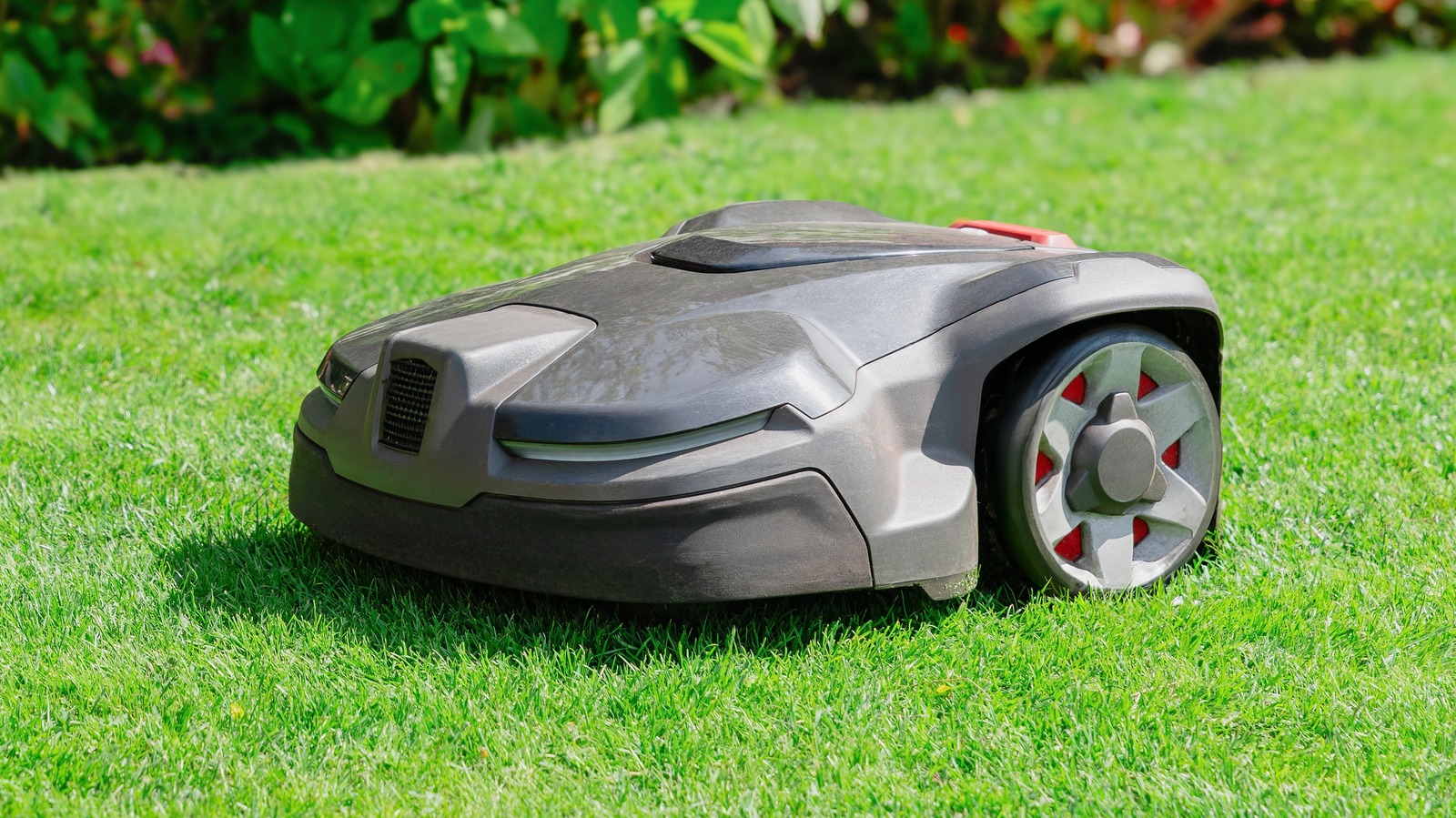
How to Use a Robot Lawn Mower Safely
Robot mowers have moving blades and can cause injury if used around people, pets, or loose objects. Safety features reduce risk but do not remove the need for supervision and good yard control.
Follow these rules:
- Keep children away during setup, testing, cleaning, and maintenance.
- Keep pets away until you know how the mower behaves.
- Remove toys, balls, hoses, sticks, and tools before each mowing period.
- Never place your hands or feet under the mower while it is powered on.
- Turn the mower off and follow the manual before lifting it.
- Use the emergency stop button when fitted.
- Do not carry the mower by its blade housing.
- Keep the charging station and power equipment dry.
- Do not modify the mower, battery, charger, or safety system.
- Stop operation after damage, unusual noise, smoke, overheating, or a burning smell.
- Use the theft alarm and PIN if your model provides them.
Before working under the mower, turn it off, remove it from the charging station, and follow the manual’s battery and blade instructions. Some models may remain active for a short time after being stopped.
Pets and wildlife
A robot mower can surprise pets and may injure small animals that hide in grass. Inspect the lawn for wildlife before operation, especially at dawn, dusk, and during nesting seasons. Keep pets inside or under control until you know the mower’s route and behavior.
If your dog or cat chases the mower, stop the schedule. A pet can block the mower, damage it, or be hurt by contact with the machine.

How to Maintain a Robot Lawn Mower
Routine maintenance keeps the mower cutting well and helps reveal problems early. Check the mower at least weekly during the mowing season, or more often when grass is wet or grows quickly.
After mowing
Inspect:
- Blades
- Blade screws
- Wheels
- Wheel wells
- Charging contacts
- Boundary-wire connections
- The underside of the deck
- The station area
- The app for error messages
Remove grass with a brush or cloth. Do not spray water into openings unless the manual states that the model is designed for that type of cleaning.
Replace or rotate blades
Dull blades tear grass instead of making a clean cut. Follow the replacement interval in the manual and replace blades sooner if they are bent, chipped, or damaged.
Before blade work:
- Turn the mower off.
- Remove it from the charging station.
- Prevent accidental startup according to the manual.
- Wear cut-resistant gloves.
- Use the correct screwdriver or tool.
- Install the correct blades and fasteners.
- Tighten parts to the manufacturer’s specification.
- Check that the blades move freely before operation.
Never use damaged blades or substitute hardware that does not match the model.
Maintain the battery
Charge and store the battery as the manufacturer directs. Battery life depends on temperature, charge cycles, storage conditions, and use.
For winter storage in much of the United States:
- Clean and dry the mower.
- Charge the battery to the level stated in the manual.
- Store the mower indoors in a dry, temperature-controlled place.
- Store the power supply as directed.
- Protect the station and exposed cables from weather.
- Check the battery periodically if the manual requires it.
Do not open, puncture, crush, or attempt to repair a lithium-ion battery. Stop using a battery that is swollen, cracked, leaking, unusually hot, or damaged, and contact the manufacturer or a qualified service provider.

How to Troubleshoot Common Robot Mower Problems
Start with the simplest and safest checks. Read the exact error code in the app or manual before changing the boundary or replacing parts.
| Symptom | Likely causes | First checks |
|---|---|---|
| Mower will not start | Low battery, schedule off, safety lock, error state | Charge it, check the schedule, clear the error |
| Mower will not leave the station | Poor contact, blocked exit, boundary problem | Clean contacts, inspect the route and wire |
| Mower stops in the yard | Tall grass, trapped wheel, obstacle, low battery | Turn it off, inspect safely, clear the area |
| Mower crosses the boundary | Wrong wire layout, damaged wire, map error | Stop operation and inspect the boundary |
| Mower misses sections | Poor schedule, blocked route, mapping issue | Check the map, passages, and mowing frequency |
| Mower cuts unevenly | Dull blades, low tire traction, uneven ground | Inspect blades and wheels |
| Mower cannot find the station | Station moved, blocked route, wire or map error | Restore station position and test the return path |
| App loses connection | Weak signal, service outage, account issue | Check local connection and app status |
If the mower repeatedly gets stuck
Watch where it stops. Common problem areas include:
- Sharp lawn edges
- Soft soil
- Deep ruts
- Tree roots
- Loose mulch
- Narrow passages
- Slopes near the boundary
- Low areas that collect water
Fill or level the area if practical. Otherwise, exclude it from the mowing map. Repeatedly restarting a mower without fixing the location can damage the machine and leave grass uncut.
If the boundary system fails
For a wired system, inspect visible sections for cuts caused by edging tools, animals, landscaping, or construction. Check connectors for corrosion or loose joints. Use the mower’s boundary signal test if available.
For a wire-free system, check whether the mower has a clear signal, updated map, and current positioning data. Re-map only after confirming that the physical yard is safe. A new map will not fix a drop-off, blocked corridor, or poor traction.

How to Improve Cutting Results
A robot lawn mower works best when the lawn is prepared for frequent, light cuts. The machine is not a replacement for correcting major lawn problems.
Use these practices:
- Keep grass within the mower’s permitted height.
- Mow more often during rapid growth.
- Raise the cutting height during heat or drought when appropriate for the grass.
- Water deeply and less often when local conditions and lawn needs support it.
- Repair deep holes and uneven areas.
- Keep lawn edges clear of loose stones.
- Trim places the mower cannot reach.
- Change damaged or dull blades.
- Adjust the schedule after rain or unusually fast growth.
Robot mowers often leave a small strip near walls, fences, and raised borders. This is normal when the blade cannot safely reach the edge. Use a string trimmer or manual edger for those areas, while keeping people and pets away from the work zone.

Common Mistakes to Avoid
Avoid these setup and operating errors:
Installing the station on a slope
A station that shifts or sits in standing water can cause docking and charging problems. Choose a firm, level location.
Placing the boundary wire too close to hazards
If the wire leaves too little clearance, the mower may strike a wall, fall over an edge, or enter a flower bed. Follow the model’s measurement guide.
Skipping the supervised test
Even a correct-looking installation can fail at a corner, passage, or slope. Watch the first route before enabling a regular schedule.
Cutting wet or tall grass
Wet, tall grass can clog the deck and reduce traction. Mow tall grass down in stages and follow the weather limits in the manual.
Leaving loose objects on the lawn
A mower can move or damage small objects. Objects can also damage the blades or stop the machine.
Assuming sensors replace barriers
Sensors can fail or misread an object. Use physical barriers or mapped exclusion zones around serious hazards.
Forgetting areas outside the map
A mower cannot cut areas it cannot safely reach. Use a separate zone feature only if the model supports it, and never carry the mower into a zone that is not properly mapped or bounded.
Ignoring local rules
Some communities, homeowners associations, and rental properties may have rules about outdoor equipment, noise, charging equipment, or visible wiring. Check applicable local requirements before installation.
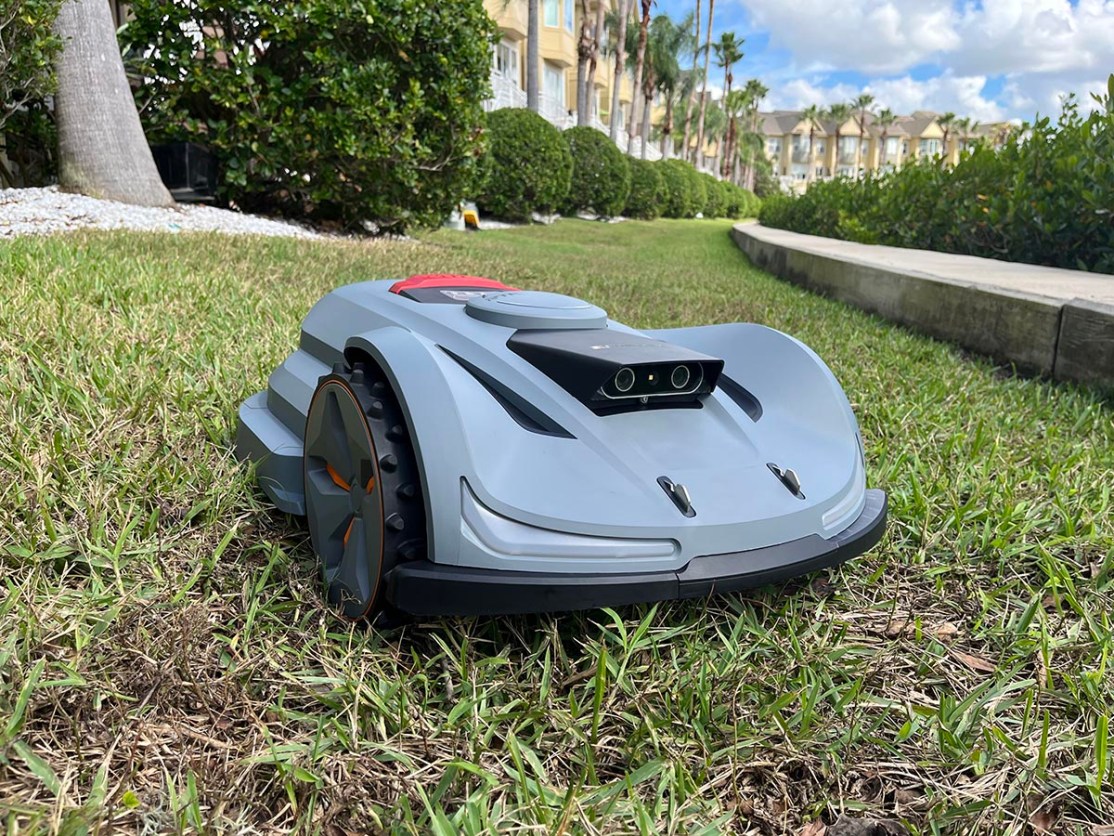
How Much Lawn Can a Robot Mower Cut?
The advertised lawn capacity is not a guarantee that every yard will be cut equally well. Capacity depends on the mower’s cutting width, battery time, recharge time, schedule, grass growth, layout, and weather.
A simple planning estimate is:
Required daily mowing coverage = lawn area ÷ available mowing days
For example, if a hypothetical lawn has 10,000 square feet and you want the mower to cover it over five mowing days:
10,000 square feet ÷ 5 days = 2,000 square feet per day
This is only a planning example. A yard with slopes, narrow corridors, several zones, or heavy growth may need more operating time than an open, flat lawn of the same area.
When comparing a mower’s stated capacity with your yard, leave room for real-world limits. A mower rated close to your total lawn area may need a longer schedule or may struggle during peak growth.
Key takeaways
- Set up the charging station on firm, level ground.
- Define every mowing area and exclusion zone before automatic use.
- Test the mower while supervised.
- Keep children, pets, tools, and toys away from the lawn.
- Clean the deck and inspect the blades regularly.
- Stop operation when the mower crosses a boundary, overheats, or behaves unusually.
- Use the owner’s manual for exact clearances, slopes, weather limits, and battery instructions.
Frequently Asked Questions
Can a robot lawn mower work on an uneven lawn?
It can work on mild unevenness if the model has enough ground clearance and traction. Deep ruts, loose soil, exposed roots, and sharp drops can stop the mower or create a safety risk. Level problem areas or exclude them from the mowing zone.
Can a robot mower cut wet grass?
Some models permit wet-weather mowing, while others advise against it. Wet grass can reduce traction, clog the deck, and produce a poor cut. Follow the exact weather guidance for your mower and stop operation during standing water, flooding, or severe weather.
Should I leave a robot lawn mower outside?
Many models are designed to remain outdoors during normal operation, but the station and power equipment still need suitable protection. Store the mower indoors for winter or extended periods when the manufacturer recommends it. Follow the manual for temperature, rain, and battery limits.
How often should a robot mower run?
It should run often enough to remove only a small amount of grass at a time. The correct schedule depends on lawn size, growth rate, weather, and mower capacity. Start with a conservative schedule, inspect the lawn, and adjust it as conditions change.
Does a robot mower replace a string trimmer?
Usually, no. Most robot mowers leave some grass along walls, fences, raised beds, and other edges. Plan to trim those areas manually with appropriate eye and hearing protection.
What should I do if my robot mower is stolen?
Enable the mower’s PIN, alarm, location, or account security features if available. Record the serial number and keep proof of purchase. If the mower is stolen, report it to local law enforcement and contact the manufacturer or service provider.
Conclusion
To use a robot lawn mower well, treat setup as a safety and mapping task before treating it as an automation task. Install the station correctly, define the boundaries, test every route, and remove hazards from the lawn. Then use a schedule that matches your grass, weather, and mower capacity.
Regular cleaning, blade checks, boundary inspections, and safe battery storage will help the mower work reliably. If the mower repeatedly crosses a boundary, becomes trapped, or shows an electrical or battery fault, stop using it until the cause is identified through the manual or qualified service support.


